
If your business runs on WordPress, security isn’t something you set up once and forget. Attackers got faster and busier this year, and small businesses are squarely in their sights. The good news: most break-ins come down to a handful of preventable mistakes, and you don’t need to be a developer to fix them. This guide walks Australian business owners through WordPress security in 2026 in plain English, with real threat numbers, a practical checklist, and the changes that make the biggest difference. If you run a Gold Coast shop, trade or service business on WordPress, this one’s written for you.
Why WordPress security matters more this year
WordPress powers roughly 4 in 10 websites, which makes it the biggest target on the internet. In 2025 alone, researchers logged 11,334 new WordPress vulnerabilities, more than 31 fresh flaws every single day. In one week of March 2026, the security firm Wordfence recorded 201 new vulnerabilities on its own.
Speed is the part most owners underestimate. The median time from a vulnerability being made public to attackers exploiting it at scale is about five hours, and 46% of flaws have no patch available on the day they’re disclosed. Bots scan the entire web constantly, so a vulnerable site doesn’t need to be famous to get hit. It just needs to be reachable.
The reassuring part is that WordPress itself is rarely the weak point. WordPress core had only six vulnerabilities in 2025. The risk lives in what you bolt onto it.
Where WordPress sites actually get hacked
Understanding the three common entry points tells you where to spend your effort. Almost every compromise traces back to one of them.
Plugins and themes
Around 91% of WordPress vulnerabilities sit in plugins, with themes making up most of the rest. Every plugin you install is more code that can go wrong, and abandoned plugins that no longer get updates are the worst offenders. Roughly 43% of WordPress vulnerabilities can be exploited without the attacker even logging in, which means a single outdated contact form or slider plugin can hand over your whole site.
The fix is unglamorous but effective: run fewer plugins, keep the ones you need updated, and delete anything you’re not actively using. If a plugin hasn’t had an update in over a year, treat it as a liability.
Weak logins and brute force
Attackers run automated scripts that try thousands of username and password combinations against /wp-login.php. If your admin username is “admin” and your password is reused from another site, you’re an easy mark. Weak credentials remain one of the top causes of WordPress break-ins for Australian businesses.
Outdated core software
Sites running old versions of WordPress, PHP or a database miss the security patches that close known holes. Once a flaw is public, unpatched sites become low-hanging fruit for the scanning bots mentioned earlier. Staying current isn’t optional maintenance; it’s frontline defence.
What a breach really costs an Australian business
It’s tempting to think “I’m too small to bother with”. The numbers say otherwise. The Australian Signals Directorate received more than 84,700 cybercrime reports in 2024–25, about one every six minutes, and small business bore a heavy share.
According to the Australian Cyber Security Centre, the average self-reported cost of cybercrime for a small business climbed 14% to $56,600 per incident. That’s before you count the part no spreadsheet shows: lost bookings while your site is down, customers who saw a “this site may be hacked” warning in Google, and the trust that takes months to rebuild.
There’s a legal angle too. If a breach exposes customer data and is likely to cause serious harm, the Notifiable Data Breaches scheme can require you to report it to the regulator and notify affected people. Data breach notifications in Australia hit record highs through 2024 and 2025. Prevention is far cheaper than the clean-up.
Your WordPress security checklist for 2026
If you do nothing else, work through this list. It’s ordered roughly by impact for the effort involved.
| Action | Why it matters | Effort |
|---|---|---|
| Turn on automatic updates for core, plugins and themes | Closes known holes before bots find them | Low |
| Use a password manager and unique 16+ character passwords | Defeats credential-stuffing and reuse attacks | Low |
| Enable two-factor authentication on all admin logins | Stops logins even if a password leaks | Low |
| Remove unused plugins and themes | Less code means a smaller attack surface | Low |
| Install a security plugin with a firewall | Blocks malicious traffic before it reaches your site | Medium |
| Set up automated daily off-site backups | Lets you restore fast if the worst happens | Medium |
| Force HTTPS with a valid SSL certificate | Encrypts data and is expected by Google | Low |
| Limit login attempts and hide the login page | Slows brute-force scripts to a crawl | Medium |
Most of these take an afternoon to put in place and cost little or nothing. Compared with a $56,600 average incident, it’s the cheapest insurance you’ll buy.
Hardening logins and user access
Your login screen is the front door, so treat it like one. Start by deleting any account using the username “admin” and creating a fresh administrator with a different name. Give every staff member their own account at the lowest permission level they need, an editor doesn’t need administrator access, and remove accounts the moment someone leaves.
Two-factor authentication is the single best upgrade you can make. Even if a password is stolen or guessed, the attacker still can’t get in without the code on your phone. Pair that with a tool that limits failed login attempts, and the automated brute-force scripts that make up so much of the background noise simply give up. For sites that handle bookings or payments, this isn’t a nice-to-have.
Backups: your last line of defence
Everything above lowers the odds of a breach. Backups decide how bad it is when something slips through anyway. A current, tested backup is the difference between an hour of downtime and losing your site entirely.
Three rules make backups actually useful. Store them off-site, not just on the same server as your website, because if the server is compromised so are the backups sitting on it. Automate them daily, since a backup from three weeks ago means three weeks of lost orders and content. And test a restore at least once, because a backup you’ve never restored is a guess, not a safety net. Many quality hosts and a good website maintenance plan handle this for you automatically.
Choosing a firewall and security plugin
A web application firewall (WAF) sits in front of your site and filters out malicious requests before they ever reach WordPress. For Australian businesses, the ACSC rates a firewall as one of the most effective ways to cut the risk of compromise. You can run one at the plugin level, at the host, or through a network like Cloudflare, which also speeds up your site.
On top of a firewall, a reputable security plugin adds malware scanning, login protection and alerts when something changes. Stick to well-supported, regularly updated options, and resist the urge to stack three plugins that do the same job, they conflict and slow your site down. One firewall and one scanner, kept current, beats a pile of overlapping tools. The official WordPress hardening guide is a solid reference if you want to go deeper.
What to do if your site is already hacked
If you see spam pop-ups, unfamiliar admin accounts, a Google warning, or your host has suspended the site, act quickly and in order. First, take the site offline or into maintenance mode so visitors aren’t exposed. Next, change every password, your WordPress admin, hosting, database and FTP, from a device you trust.
Then restore from a clean backup taken before the infection, rather than trying to pick malware out by hand. Once you’re back, update everything, scan again to confirm the site is clean, and only then remove the maintenance page. If you’re not confident doing this yourself, get a professional in fast, because every hour a hacked site stays live damages your search rankings and your reputation. Our team offers website security services for exactly this situation.
How security ties into the rest of your site
Security doesn’t sit in a silo. A hacked site tanks the SEO you’ve paid for, because Google deindexes pages it flags as unsafe, which undoes months of SEO services work. It also wastes ad spend if your Gold Coast Google Ads campaigns send clicks to a site that won’t load. Good security, fast hosting and clean code are the same conversation, which is why solid web design Gold Coast work bakes protection in from the start rather than bolting it on later. If speed is also on your mind, our WordPress optimisation work pairs naturally with hardening.
The bottom line
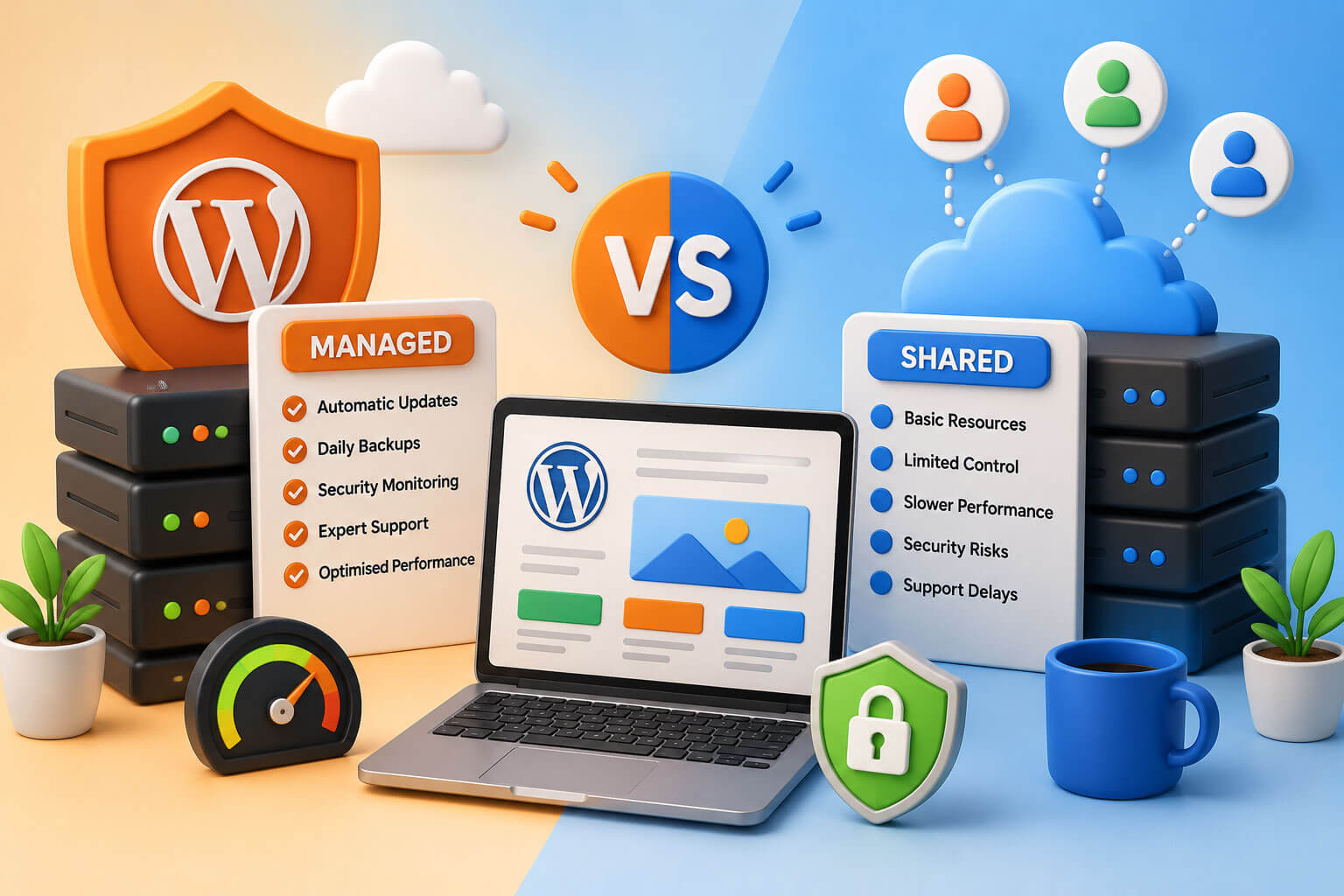
WordPress security in 2026 comes down to a few habits, not a big budget. Keep core, plugins and themes updated, lock down your logins with strong passwords and two-factor authentication, run a firewall, and keep tested off-site backups. Those moves stop the overwhelming majority of attacks, which are automated and opportunistic rather than targeted. The businesses that get burned are almost always the ones running outdated plugins with weak passwords and no backup to fall back on. If you’d rather hand the whole thing off, our managed WordPress hosting and security team can keep your site patched, monitored and backed up so you can get on with running the business.
Frequently Asked Questions
How do I make my WordPress site secure in 2026?
Secure a WordPress site by keeping core, plugins and themes updated, using strong unique passwords with two-factor authentication, running a web application firewall, and taking automated off-site backups daily. Remove any plugins you don’t use, force HTTPS, and limit login attempts. These steps stop the automated attacks that cause most break-ins and take only an afternoon to set up.
Is WordPress safe to use for a small business?
Yes, WordPress is safe for small business when it’s maintained properly. WordPress core itself had only six vulnerabilities in 2025, and the platform powers around 40% of all websites. Almost all hacks come from outdated plugins, weak passwords or old software, so a maintained site with updates, strong logins and a firewall is well protected.
What is the most common cause of WordPress hacks?
Vulnerable plugins are the most common cause, accounting for about 91% of WordPress vulnerabilities. Outdated or abandoned plugins are the biggest risk, and roughly 43% of flaws can be exploited without logging in. Weak login passwords and outdated WordPress or PHP versions are the next most common entry points for attackers.
How much does a cyber attack cost an Australian small business?
The average self-reported cost of cybercrime for an Australian small business is around $56,600 per incident, according to the Australian Cyber Security Centre, up 14% year on year. That figure doesn’t include lost sales during downtime or the long-term hit to customer trust, which makes prevention far cheaper than recovery.
Do I need a security plugin for WordPress?
A security plugin is strongly recommended for most WordPress sites. A good one adds a firewall, malware scanning, login protection and alerts when files change. Use one firewall and one scanner from a reputable, regularly updated provider rather than stacking several overlapping plugins, which can conflict with each other and slow the site down.
How often should I back up my WordPress site?
Back up a WordPress site automatically every day, and more often if it’s an online store taking regular orders. Store backups off-site rather than on the same server as the website, and test a restore at least once so you know it works. A current, tested backup is the fastest way to recover from a hack or a failed update.
What should I do if my WordPress site gets hacked?
If your WordPress site is hacked, take it into maintenance mode first, then change every password from a trusted device. Restore from a clean backup made before the infection rather than removing malware by hand, update everything, and scan again to confirm it’s clean. If you’re unsure, bring in a professional quickly, as downtime harms your rankings.